The same product, staged across lifestyle scenes
A listing rarely needs a different product — it needs the same product seen in different places. KeepThisProduct takes one reference photo and restages it: a bar counter, a distillery shelf, a table at golden hour, all clearly the identical bottle.
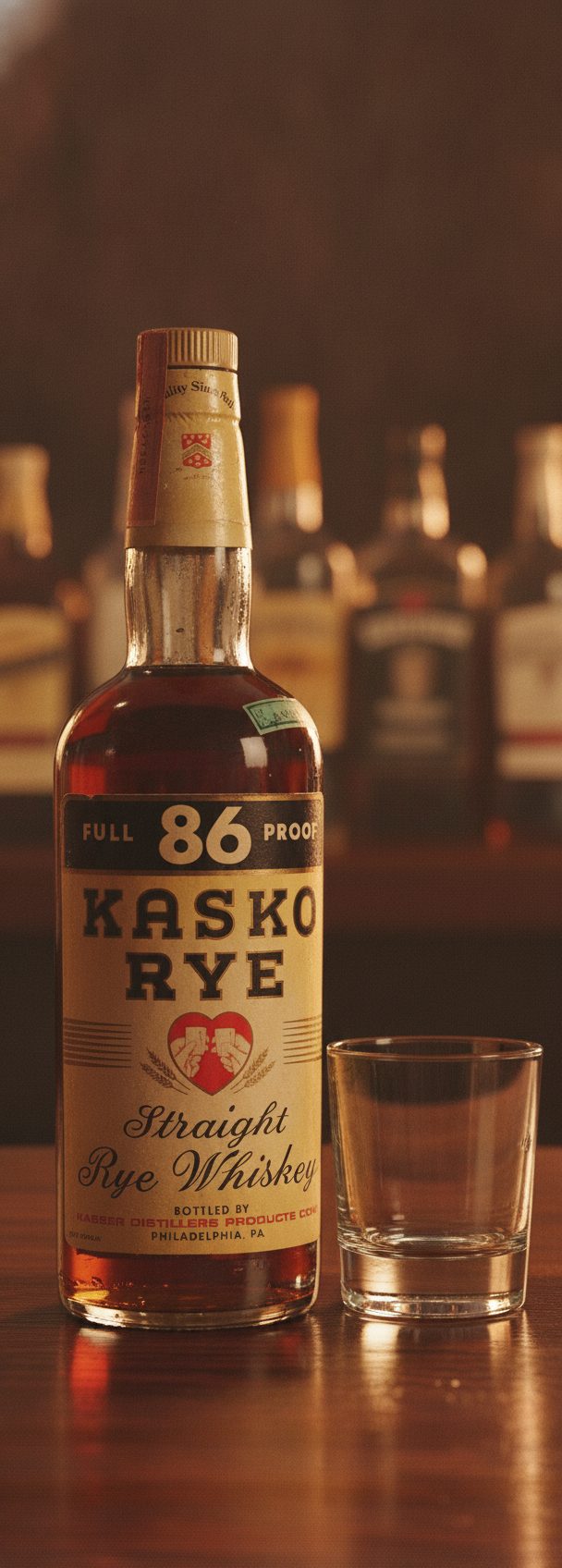
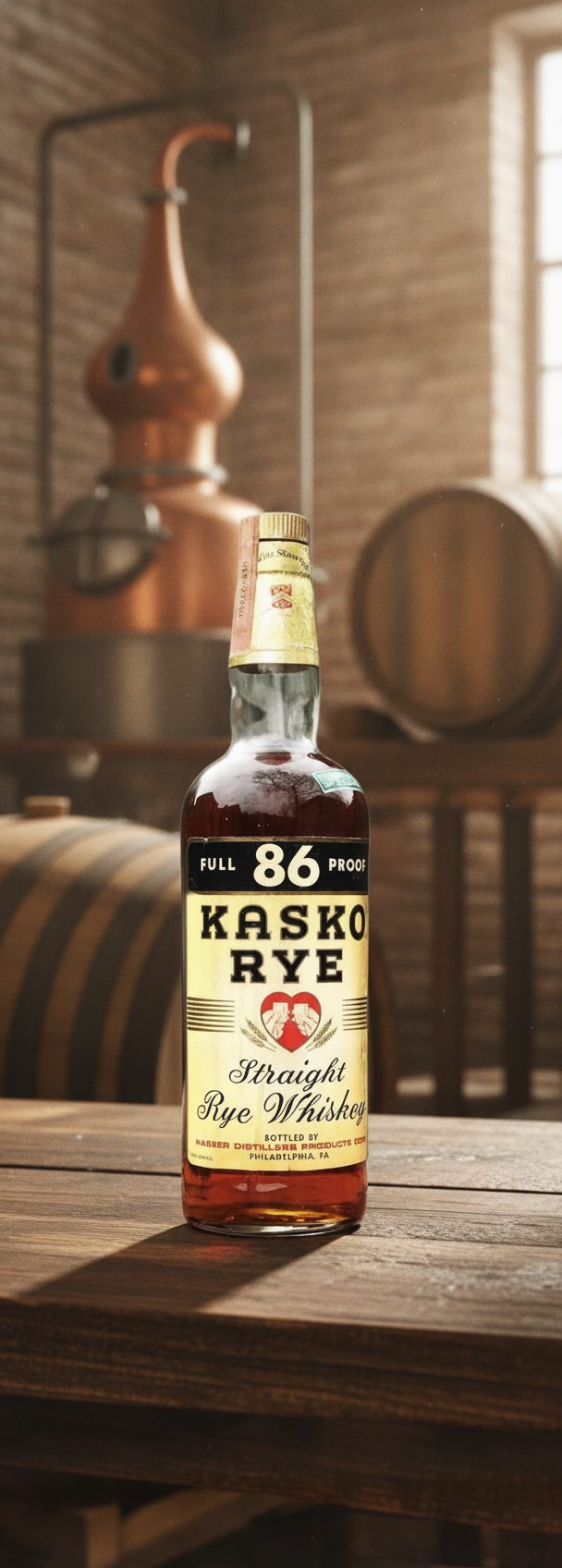
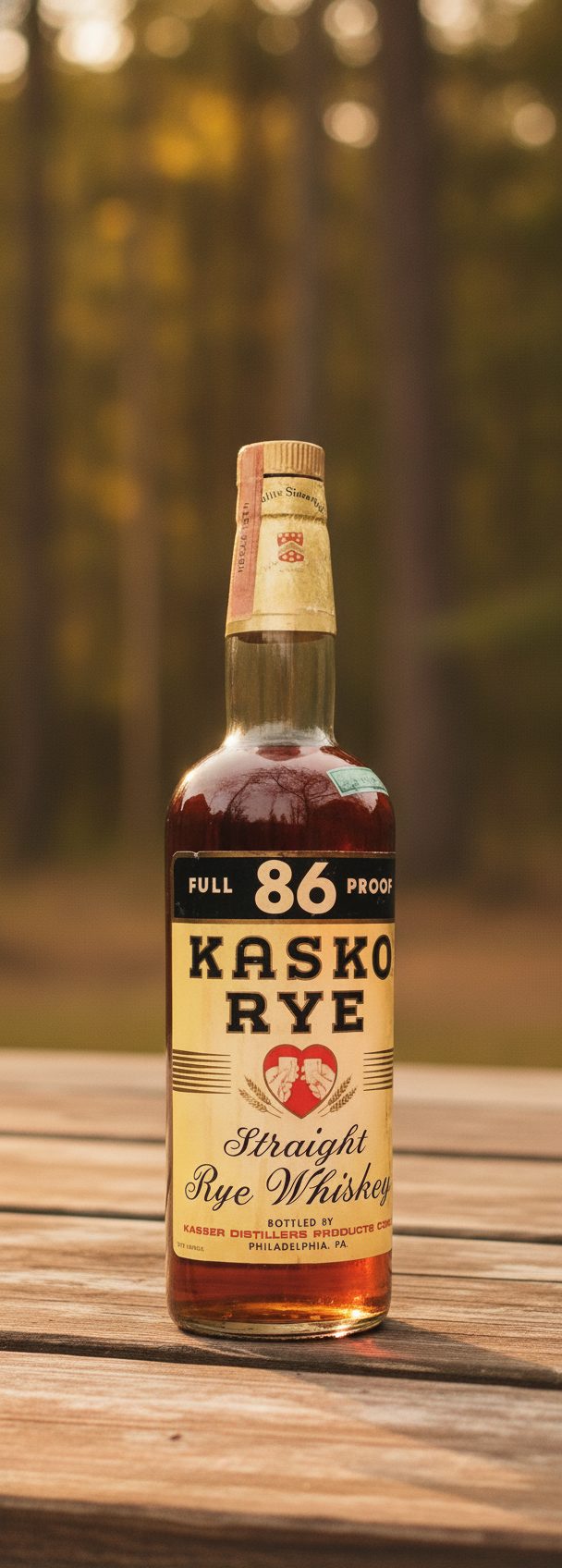
When a shopper scrolls your gallery, continuity is what builds trust. If image two looks like a subtly different bottle than image one, the doubt is instant even if they can't name it. The point of staging the same product across scenes is that every frame reinforces one recognizable item.
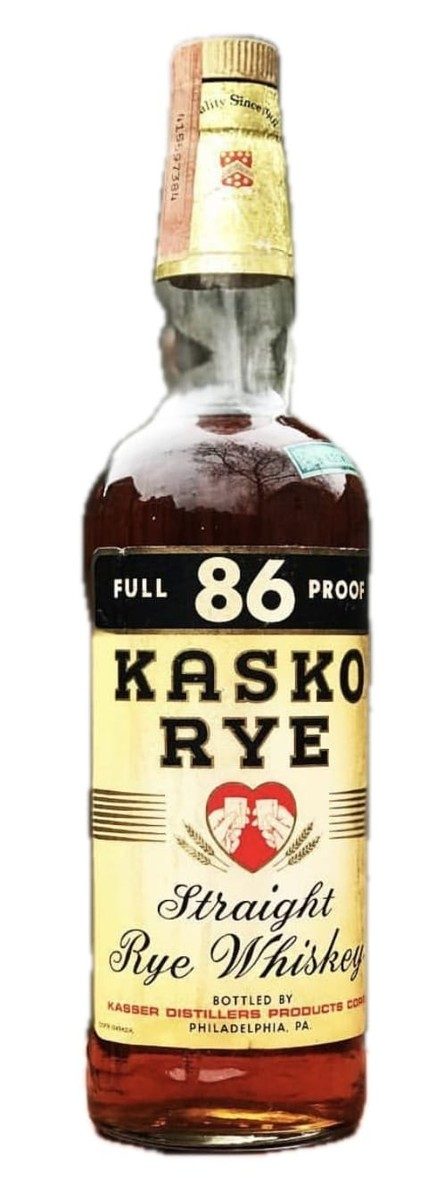
The set of frames above started as a single studio shot. The whiskey's label, the proof band, the heart mark, the amber liquid and the bottle silhouette carry through every scene. What changes is the world around it — the wood, the light, the background — which is exactly the part a reshoot would otherwise cost you a day to build.
How to build a consistent scene set
Pick your anchor photo
Choose the sharpest, most front-facing product shot you have. Every scene inherits its detail, so a clean anchor pays off across the whole set.
Vary the scene, not the item
Describe distinct settings — indoor, outdoor, close, contextual — but never ask to restyle the product itself. The item is fixed; the room is the variable.
Curate for continuity
Lay the finished scenes side by side and keep only the ones where the product reads as unmistakably the same. Drop any frame where a detail drifted.
What stays true
- Every scene is built to preserve the product's shape, color, packaging and label from your reference — the background is the only thing meant to change.
- Legible, bold labels carry across scenes reliably. Dense fine print is where continuity is most fragile — check it in each frame.
- Stage products you own or are authorized to represent. Scenes must not add features or claims your product doesn't have.
Questions, answered plainly
How many scenes can I make from one photo?
The outcome packs contain 5, 20, or 60 selected scene places. Each scene is generated on its own with up to three successful attempts, and you choose one full-resolution final. Buy another pack whenever you need another set.
Will every scene look like the same product?
That's the goal, and for products with clear shapes and bold labels it holds up well. Continuity is strongest when your reference is sharp and front-on. Very fine print is the detail most likely to drift between frames, so review each one.
Can I match a specific brand style across scenes?
You direct the mood of each set with plain description — warm and rustic, bright and clean, moody and premium. The product stays constant while you tune the surroundings to fit your brand's look.
Turn one shot into a scene set
Upload your anchor photo and build a gallery of lifestyle scenes that all read as the same, trustworthy product.